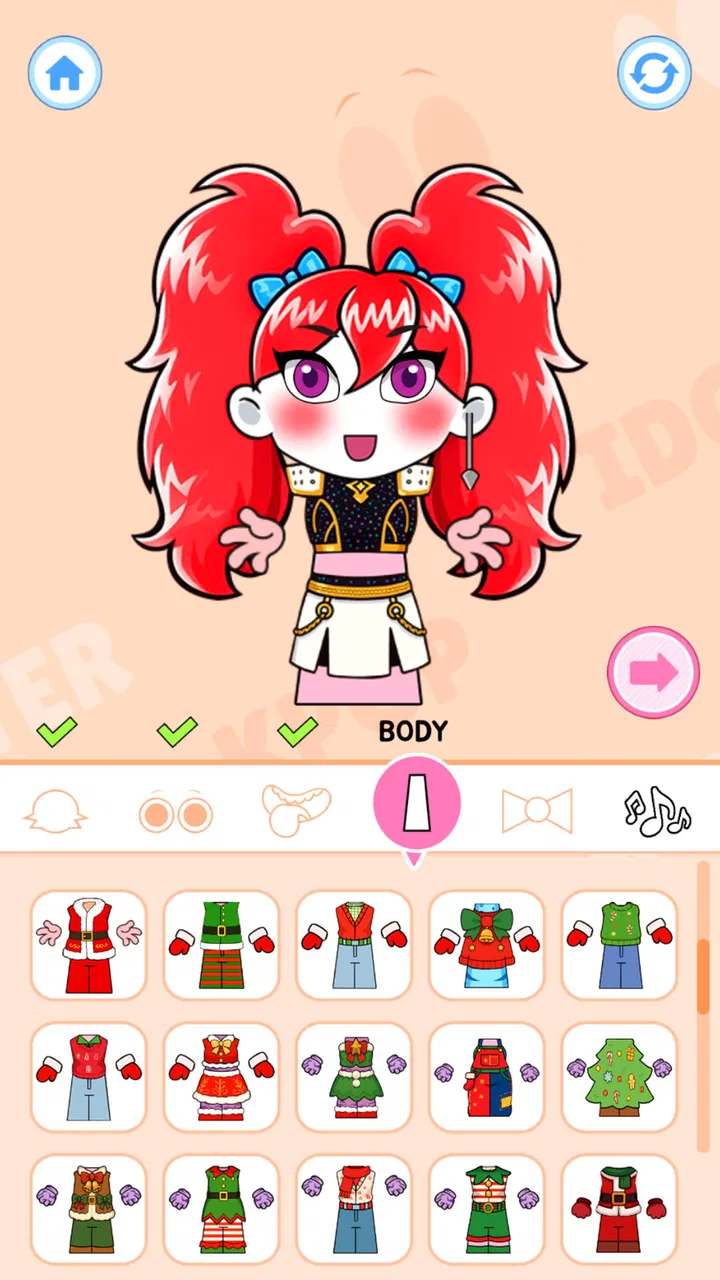
Monster Music DIY: Mix Beats
- 3.5
- Rating
- 500.00K
- Installs
- Free
- Price

 Analysis by App-foxy
I approached Kpop Music DIY: Mix Beats as a music game rather than as a serious production tool, and that distinction matters from the first minute. Its appeal is the idea of turning K-pop energy into a playable rhythm experience, with monster-themed beats adding a playful layer to the presentation. I found the concept easy to understand: you are here to react to music, stay engaged with the beat, and enjoy short bursts of creative, game-like interaction rather than build finished tracks for export.
That makes it a natural fit for someone who wants a casual music distraction on Android. It is free, rated for Everyone, and developed by KueMiin. The game sits in the music category, but I would not compare it directly with a full digital audio workstation, a karaoke app, or a streaming service. Those products solve different problems. This one is better viewed as a lightweight rhythm pastime for players who enjoy K-pop flavor and want something more active than simply listening.
How the game feels during ordinary play
The first thing I noticed is that the concept does not ask much of the player before getting started. A music game succeeds when the path from opening it to playing a beat feels short, and this title is clearly designed around that kind of immediate access. I could imagine using it during a short break, while waiting for an appointment, or when I wanted a quick change of pace without committing to a long gaming session.
You May Also Like

 Pandora - Music & Podcasts
Pandora’s Music Is Easy to Start, but Harder to Recover
Pandora’s strength is its low-effort path from a seed to a station. Its weak spot is how much confidence it asks you to place in connection, setup, and quiet recovery.

 8 Ball Pool
 Is Built on Rivalries, Rematches, and Routine
A close look at the rivalries, rematches, shared routines, and unanswered safety questions that turn a quick pool match into a persistent mobile community.

 Samsung Music
’s Quiet Strength Is Playing What You Already Own
Its reach comes less from spectacle than from dependable access to a personal library. That simplicity is both the app’s strongest retention engine and its ceiling.

 AccuWeather: Weather Radar
AccuWeather Review: A Quick, Clear Forecast for Everyday Decisions
For everyday plans, the best forecast is the one you can understand quickly. AccuWeather makes rain timing, radar, and local conditions easy to act on, with a few trade-offs.

 Hill Climb Racing
Why Hill Climb Racing Still Turns Crashes Into One More Run
A tiny car, a bumpy hill and one more upgrade: Hill Climb Racing keeps resurfacing because its simple chaos makes every near-miss feel personal.

 AliExpress - Shopping App
AliExpress Makes Global Shopping Feel Personal, but Shoppers Bear the Risk
AliExpress turns a global marketplace into a pocket-sized discovery engine. Its reach is useful, its shopping loop compelling, and its trade-offs easy to miss.
More From Our News Desk
View All News


The K-pop focus gives the experience a more recognizable personality than a completely generic tapping game. The monster-beat theme also keeps the presentation from feeling like a plain metronome exercise. I would not install it expecting a deep music library or the detailed control found in professional beat-making software. I would install it because the combination of familiar pop styling and rhythm interaction sounds more entertaining than a bare-bones timing challenge.
One useful way to approach it is to treat each session as a warm-up for attention. Rather than chasing a perfect result every time, I found more value in listening for the pulse and letting the game become a short concentration exercise. That makes it suitable for younger players and casual users, although people who want a demanding competitive rhythm title may eventually find the experience too limited.
Speed expectations before you start
The game’s basic appeal depends on responsiveness. In any rhythm title, a delayed reaction between an input and what appears on screen can make even a simple sequence feel unfair. I therefore paid more attention to the sense of timing than to visual decoration. On a compatible device, the experience should be approached with the expectation of quick, direct play, but the exact feel can vary with the phone, background activity, and the condition of the operating system.
A practical tip is to close demanding apps before a longer session, especially if your phone is older or already warm. That is not a special requirement unique to this game; it is simply sensible preparation for anything that asks a device to respond to music in real time. I also recommend playing with the phone held steadily instead of switching between apps repeatedly. Rhythm games are more enjoyable when your attention stays on the beat rather than on whether the interface is catching up.
The current release is version 1.0.17, which suggests that the developer has a defined build available rather than an unfinished test screen. Still, a version number alone does not guarantee identical behavior across every Android model. I would judge the game after a few short sessions, paying attention to whether inputs feel consistent and whether returning from another app interrupts the flow.
What happens during heavier use
Short sessions are the most natural use case here, but a player may still spend a longer period repeating songs or trying to improve timing. That is where the difference between a fun rhythm game and a tiring one becomes clearer. Repeated play can expose small annoyances that are easy to overlook during a single round: inconsistent touch response, visual clutter, or a need to restart after leaving the game.
I would use a simple routine to evaluate it. First, play briefly after opening the app from a fresh start. Then leave it for another app and return. Finally, try several rounds without interruption. This gives a better picture than judging it from one launch, because music games are used in both quick bursts and repeated attempts. If the game remains responsive through those transitions, it earns trust as a casual daily title.
Another non-obvious trade-off is attention fatigue. A rhythm game can feel fast and exciting at the beginning, yet repeated attempts may become mentally demanding even when the controls are simple. I found that alternating between active play and listening-focused breaks makes more sense than grinding continuously. If your goal is relaxation, short sessions are likely a better match than treating the game like a high-pressure score chase.
Device heat and battery use are also worth considering during extended play, although the experience will depend heavily on the phone and its condition. I would avoid judging resource demand from one older handset or one newer flagship. Instead, notice whether the device becomes uncomfortable, whether other apps are pushed out of memory, and whether the game resumes cleanly after a pause. Those observations tell you more about everyday suitability than a single launch.
Reliability and recovery after interruptions
Reliability in a rhythm game is not only about whether it opens. It is also about whether the player can recover from a call, notification, accidental swipe, or brief trip to another app without losing the purpose of the session. I consider that especially important for this title because its strongest use case is casual play. A game intended for quick breaks should not turn every interruption into a major obstacle.
My advice is to test recovery early rather than waiting until you are invested in a long run. Start a session, move away briefly, and return. If the game restores the play state naturally, that supports its pick-up-and-play character. If you need to restart often, it may still be enjoyable, but I would reserve it for moments when you have uninterrupted time. This is a useful distinction between a game that is convenient and one that merely happens to be short.
The same principle applies after rotating the phone, locking the screen, or receiving a notification. I would not assume that every device handles these events in the same way. Android manufacturers manage memory and background activity differently, so a smooth experience on one handset may not perfectly predict another. The fairest expectation is that the game should be tested in the way you actually plan to use it.
I also prefer to keep expectations realistic about progress. This is not the sort of app I would choose as a permanent music archive or a place to store original compositions. If a session ends unexpectedly, the main loss is usually the interruption of a play attempt rather than an important creative project. That makes recovery problems frustrating, but less serious than they would be in an editing application.
Device limits and who should be careful
The minimum operating-system requirement is Android 7.1, so the game is not restricted to only the newest phones. That broad compatibility is helpful for players who do not upgrade frequently. Even so, operating-system eligibility does not tell the whole story. Available memory, screen responsiveness, storage pressure, and background processes can all affect how comfortable a music game feels.
On an older device, I would begin with short sessions and avoid running several heavy apps at the same time. If the phone already struggles with ordinary animated interfaces, a timing-focused game may reveal that weakness more clearly. Players using newer hardware will probably have a wider margin for multitasking, but they should still remember that responsiveness is not only about raw speed; touch calibration and audio behavior matter just as much.
Screen size can change the experience in a subtle way. A compact phone may be easy to hold during a commute, yet smaller touch targets can feel less forgiving. A larger display may make interactions easier to see, but it can also be less comfortable for one-handed play. I would choose the device based on how you actually hold it, not simply on the newest specifications.
Headphones may help if your surroundings are noisy, because rhythm play depends on hearing the pulse clearly. They can also make the experience more private in shared spaces. On the other hand, if audio and touch ever feel out of step, I would first test the game through the phone speaker and then with headphones. That simple comparison can reveal whether the issue comes from the environment, the accessory, or the device itself.
How it compares with familiar alternatives
Compared with a music streaming service, this game asks you to participate instead of simply press play. That makes it more engaging when you want something to do with your hands, but less useful when your priority is discovering artists or listening continuously. Compared with karaoke software, it focuses more on rhythm interaction than on singing along. Compared with a full beat-making app, it is much more approachable but far less suitable for arranging, recording, or polishing a finished track.
That comparison helps clarify who should choose it. A K-pop fan looking for a playful activity may appreciate the theme immediately. A beginner who feels intimidated by music production tools may also prefer the simpler game format. But a musician seeking precise control, a listener wanting a large catalog, or a competitive player demanding complex progression should probably look at a more specialized alternative.
One of the more useful trade-offs is the balance between accessibility and depth. The easier it is to start, the less likely it is to provide the layered control of a serious music application. I see that as a deliberate strength for casual users, not a flaw by itself. The mistake would be downloading it with professional production expectations and then judging it for not being a studio.
Everyday scenarios where it makes sense
Imagine having ten minutes before a class, a train, or an appointment. You want entertainment, but a long story game feels inconvenient and scrolling through social media leaves you restless. This is the kind of moment when I would choose the game: open it, play a few rhythm-focused rounds, and stop when the time is up. The music theme gives the break more energy than a passive puzzle, while the game format keeps the session purposeful.
It can also work as a shared, low-pressure activity for a family member who enjoys pop music but does not normally play games. The Everyone age rating makes it easier to consider for mixed-age households, although I would still supervise younger players according to the family’s usual habits. The important point is that the premise is easy to explain without teaching a complicated control system first.
For a more focused use, I would play it before studying or practicing another instrument as a brief attention reset. I would not claim that it teaches formal musicianship, but reacting to a steady beat can help create a clear transition between passive screen time and a more concentrated task. Keeping the session short is the key; otherwise the warm-up can become the distraction.
There is also a good case for using it when you want a K-pop-themed game without paying at the point of download. It is free, which lowers the risk of trying it casually. That does not automatically make it the best choice for every player, but it does make experimentation easier than with a paid title whose style you may not enjoy.
Who will enjoy it, and who should skip it
I would recommend it to players who like music games, enjoy K-pop-inspired presentation, and want something approachable on Android. It is especially appealing if you prefer short sessions, simple goals, and a playful monster-beat atmosphere over complex menus. The game also makes sense for someone testing whether rhythm games are enjoyable before moving on to a more demanding alternative.
I would be more cautious if you need a dependable tool for composing music. Nothing about the game’s positioning makes it a substitute for a sequencer, sampler, or recording app. I would also skip it if you dislike repeating timing challenges, have no interest in K-pop styling, or want a deep competitive system that rewards long-term mastery.
Players with older phones should try it with realistic expectations. Android 7.1 compatibility opens the door to a wider range of devices, but it does not guarantee equal smoothness everywhere. If your handset frequently reloads apps, has a sluggish touch screen, or struggles with animated games, test the experience before deciding whether it deserves regular space on your home screen.
What the current reception suggests
The game has passed 500K installs, so it has reached a substantial audience for a niche music title. Its average rating is 3.9 from 156 ratings, with 4 written reviews shown alongside that score. I read that combination as encouraging but not definitive: enough people have tried it to make the concept worth considering, while the rating leaves room for individual differences in device performance, taste, and expectations.
I would not use the rating as a replacement for personal testing. Music games are unusually sensitive to preference. One player may enjoy a bright K-pop theme and forgiving play, while another may want denser patterns and more depth. The better question is whether the game’s specific mood matches the kind of break you want to take.
My performance verdict
After looking at it as a real everyday game rather than a headline concept, I see Kpop Music DIY: Mix Beats as a focused casual option. Its strongest qualities are its clear music identity, approachable premise, free entry point, and suitability for short bursts. The main limitations are equally clear: it should not be mistaken for music-production software, and the quality of longer sessions will depend on how well your device handles timing, touch input, and interruptions.
My practical recommendation is to install it when you want an active K-pop-flavored break, then judge it through the way you actually play: a few quick rounds, a return after multitasking, and a longer session if the first impression works. That process will tell you more than the store summary alone. For casual rhythm play, the best reason to keep it is its immediate musical focus, not a promise of studio-level depth.
Overall, I would recommend giving it a try if your expectations are in the right place. KueMiin’s game is most convincing as a lightweight music pastime for Android users who want to tap into a lively beat and enjoy a little monster-themed fun. I would choose a dedicated rhythm game, streaming app, karaoke tool, or production suite when I need a more specific function. For a quick, free experiment that turns K-pop energy into interactive play, though, it earns a reasonable place on my shortlist.
FAQs for Monster Music DIY: Mix Beats
01What is Kpop Music DIY: Mix Beats?
Kpop Music DIY: Mix Beats is an innovative app that allows users to create and mix their own K-pop tracks. Featuring a wide range of beats, instruments, and effects, it’s designed for both beginners and experienced music producers. The app provides a creative platform to experiment with sounds and rhythms characteristic of the K-pop genre.
02Is Kpop Music DIY: Mix Beats free to use?
Yes, Kpop Music DIY: Mix Beats is available for free download on both Android and iOS platforms. However, the app offers in-app purchases and subscriptions that unlock additional features, sounds, and tools for those looking to enhance their music creation experience further. Free users can still enjoy a substantial range of basic features.
03Can I share my music creations from Kpop Music DIY: Mix Beats?
Absolutely! Kpop Music DIY: Mix Beats includes built-in options to share your music directly to various social media platforms or export them to your device. This feature allows you to showcase your creativity and collaborate with friends or other music enthusiasts around the world, making it easier to gain feedback and improve your skills.
04What kind of support does Kpop Music DIY: Mix Beats offer for beginners?
Kpop Music DIY: Mix Beats is user-friendly and offers a comprehensive tutorial to guide new users through the music creation process. It also includes a detailed help section and community support forums where users can find answers to common questions and participate in discussions with fellow music creators. This makes it accessible for users with little to no prior experience.
05Does Kpop Music DIY: Mix Beats require an internet connection?
While Kpop Music DIY: Mix Beats can be used offline for creating and editing music, certain features such as downloading new sound packs or sharing tracks on social media require an internet connection. Staying connected ensures you can access the latest updates and community features to enhance your music-making experience.
Pros
- Intuitive interface for easy beat creation.
- Wide range of instruments and effects.
- Frequent updates with new features.
- Engaging tutorials for beginners.
- Offline mode available for on-the-go use.
Cons
- Limited free version features.
- In-app purchases can be pricey.
- Occasional crashes on older devices.
- Requires significant storage space.
- No social sharing integration.

Monster Music DIY: Mix Beats
Gallery